
Close Menu
PSD VaultPSD Vault
  • VIP Area
  • Photoshop Basics
  • Photo Effect
  • Text Effect
  • Premium Tuts
  • Resources
  • Drawing
  • Inspiration
  • Web Graphics
  • Abstract
  • Freebies
  • Advertise
  • Get in Touch
  • About PSD Vault
Facebook Instagram Pinterest YouTube TikTok
Facebook Instagram Pinterest YouTube TikTok RSS
PSD VaultPSD Vault
  • VIP Area
    • Sign Up
    • Log In
  • Photoshop Basics
  • AI
  • Photoshop Error Fixes
  • Video Tutorial
  • Photo Effect
  • Text Effect
  • Premium Tuts
  • Drawing
  • Opinion
PSD VaultPSD Vault
Home»Resources»Unique and Curious Photoshop Tutorial Showcase – February 2012
Resources

Unique and Curious Photoshop Tutorial Showcase – February 2012

By James QuFebruary 29, 20123 Mins Read
Share
Facebook Twitter LinkedIn Pinterest Email

Hey guys, I decided to start up a monthly new series here on PSDVault.com – called “Unique and Curious Photoshop Tutorial Showcase”. In this showcase,  I will collect a number of interesting and high quality Photoshop Tutorials from around the web, especially some fresh ones that were recently posted.

The showcase will run at the end of each month,  and if you have any suggestion of great tutorials, please feel free to contact me.

In this February edition, I have collected 10 great Photoshop tutorials with unique and curious effect  for you, hope you enjoy it!

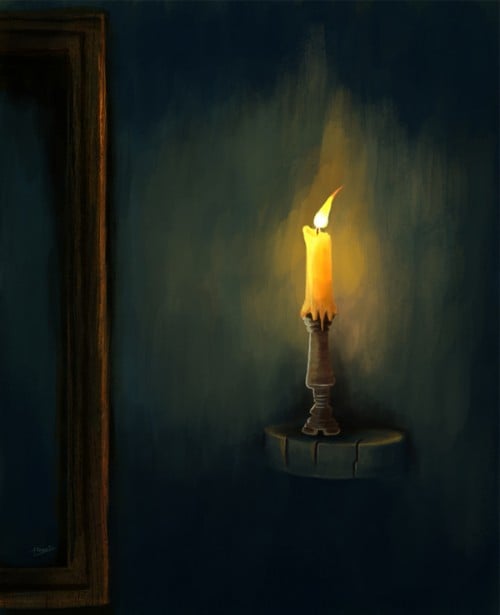
Painting a Candlelight Composition

In this tutorial, we are going to mainly focus on a still life painting.  I sometimes think that still life paintings just dull and mechanical exercise things. But surely we must make practice still life paintings. 
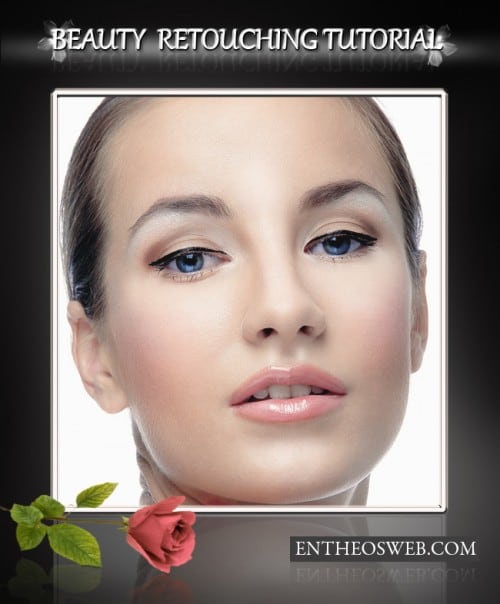
Retouch a Model Portrait with Flawless Natural Skin

In this tutorial we’ll show you how to make a glamour retouch for a model portrait in Photoshop. You’ll learn a new method to create a great look for natural skin without using any extra plugins.
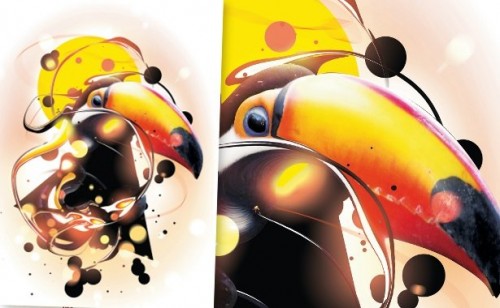
Create liquid effects in Photoshop

In this tutorial you will learn how to create interesting, fluid elements using the Liquify filter. Using just a single image, you can create a whole variety of effects by pushing, pulling, rotating, reflecting, puckering and bloating any area as subtly or drastically as you wish.
Pro skin retouch tutorial

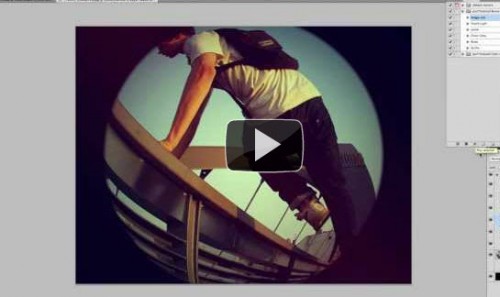
How to Create a Fisheye Lens Effect in Photoshop

Learn how to create a realistic looking fisheye lens effect using a photo captured with any kind of lens in photoshop.
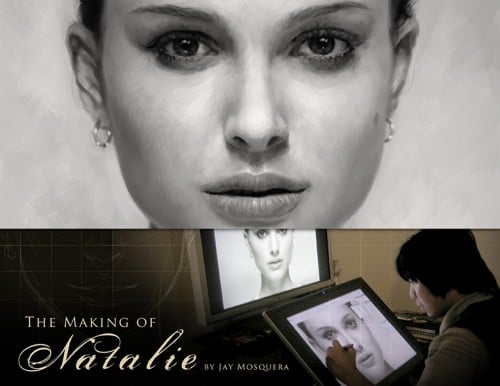
Digital Painting Tutorial – Making of Natalie

In this tutorial, author will explain the digital painting process of Natalie Portman.
Create and Customize 3D Easter Eggs Featured

This tutorial will teach you how to  customize a 3D egg using only Photoshop.

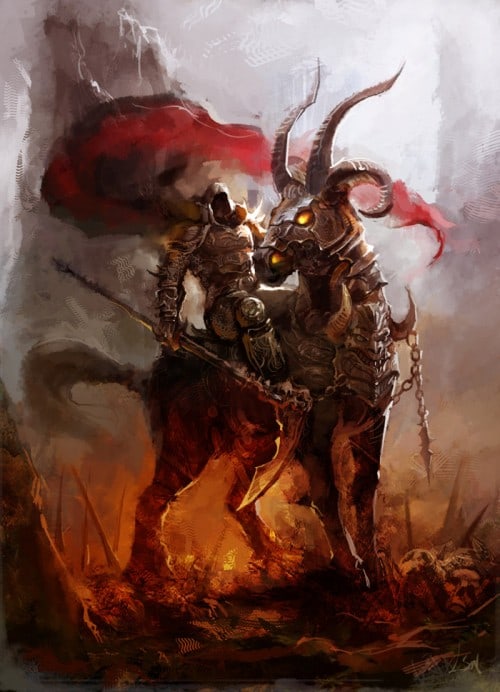
Making Of ‘Soul Hunting’ Digital Painting
How to Create a Dramatic Fisheye Spartan Scene with Photoshop

In this tutorial we are going to learn how to blend and distort different desert landscape stock images to create a dynamic fisheye-like perspective and use different adjustment layers to get different coloring and feel to the manipulation so let’s get started!
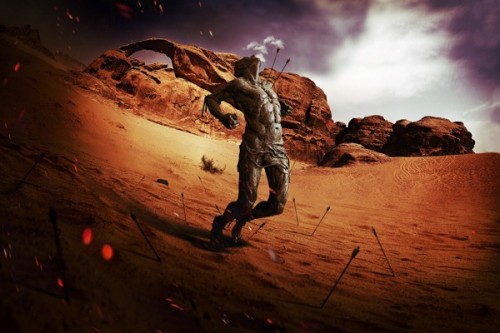
Photo Manipulate a Magical Shoe House Scene

That’s it for this February showcase! Hope you enjoy these tutorials and find them useful! If you would like to get the latest updates from us, you can simply follow us on Facebook or Twitter.

Till next time, have a great day!

Photoshop tutorial showcase unique photoshop tutorial
Share. Facebook Twitter Pinterest LinkedIn Tumblr Email
James Qu
  • Website

James is a seasoned Photoshop expert with over 25 years of experience based in Australia. As the driving force behind PSD Vault, he authors the majority of its in-depth tutorials and insightful articles.

Related Posts

10 Proven Ways of Improving Photoshop Performance (Updated July 2025)

July 26, 2025

How to Use Preset Manager to Organise Photoshop Brushes

November 5, 2022

VIP Exclusive Texture Pack – 8 High Res Variety Textures Presented by Texture Quality Pro

August 16, 2019

2 Comments

  1. swf decompiler on March 11, 2012 10:51 AM

    really coll posts. really like the candle. 

  2. Facebook Statistics on March 15, 2012 7:08 PM

    Outstanding tutorial. Good to learn some high detailed tutorials. Great post :)

Don't Miss

How to Fix Neural Filters Not Working or Greyed Out in Photoshop 2026

February 1, 2026

How to Use AI-Driven Landscape Masking in Adobe Photoshop’s Camera Raw

January 31, 2026

Bring Old Photos Back to Life with Photoshop Super Zoom

January 29, 2026

For Beginners

Basics

Dodge & Burn Tool in Photoshop – The Beginner’s Guide

By Maria SemelevichJanuary 24, 20268 Mins Read

How to Pixelate an Image in Photoshop

January 21, 2026

How to Resize Images Without Losing Quality in Photoshop

January 8, 2026

Photoshop Clipping Masks – Everything You Need to Know

January 7, 2026

You May Also Like

Basics

10 Proven Ways of Improving Photoshop Performance (Updated July 2025)

By Lana WilsonJuly 26, 20255 Mins Read
Basics

How to Use Preset Manager to Organise Photoshop Brushes

By James QuNovember 5, 20222 Mins Read
Premium Tuts

VIP Exclusive Texture Pack – 8 High Res Variety Textures Presented by Texture Quality Pro

By James QuAugust 16, 20191 Min Read
Facebook X (Twitter) Instagram Pinterest
  • About Us
  • Get in Touch
  • Advertise
  • VIP Area
  • Privacy Policy
  • Terms & Conditions
© 2026 PSD Vault. All Right Reserved.

Type above and press Enter to search. Press Esc to cancel.

Manage Consent
To provide the best experiences, we use technologies like cookies to store and/or access device information. Consenting to these technologies will allow us to process data such as browsing behavior or unique IDs on this site. Not consenting or withdrawing consent, may adversely affect certain features and functions.
Functional Always active
The technical storage or access is strictly necessary for the legitimate purpose of enabling the use of a specific service explicitly requested by the subscriber or user, or for the sole purpose of carrying out the transmission of a communication over an electronic communications network.
Preferences
The technical storage or access is necessary for the legitimate purpose of storing preferences that are not requested by the subscriber or user.
Statistics
The technical storage or access that is used exclusively for statistical purposes. The technical storage or access that is used exclusively for anonymous statistical purposes. Without a subpoena, voluntary compliance on the part of your Internet Service Provider, or additional records from a third party, information stored or retrieved for this purpose alone cannot usually be used to identify you.
Marketing
The technical storage or access is required to create user profiles to send advertising, or to track the user on a website or across several websites for similar marketing purposes.
  • Manage options
  • Manage services
  • Manage {vendor_count} vendors
  • Read more about these purposes
View preferences
  • {title}
  • {title}
  • {title}