Close Menu
PSD VaultPSD Vault
  • VIP Area
  • Photoshop Basics
  • Photo Effect
  • Text Effect
  • Premium Tuts
  • Resources
  • Drawing
  • Inspiration
  • Web Graphics
  • Abstract
  • Freebies
  • Advertise
  • Get in Touch
  • About PSD Vault
Facebook Instagram Pinterest YouTube TikTok
Facebook Instagram Pinterest YouTube TikTok RSS
PSD VaultPSD Vault
  • VIP Area
    • Sign Up
    • Log In
  • Free Image Tools
  • Photoshop Basics
  • AI
  • Photoshop Error Fixes
  • Video Tutorial
  • Photo Effect
  • Text Effect
  • Premium Tuts
  • Drawing
PSD VaultPSD Vault
Home»Resources»Awesome Photoshop Brushes for Photo Manipulation – Vol.6
Resources

Awesome Photoshop Brushes for Photo Manipulation – Vol.6

By James QuApril 9, 20172 Mins Read
Share
Facebook Twitter LinkedIn Pinterest Email

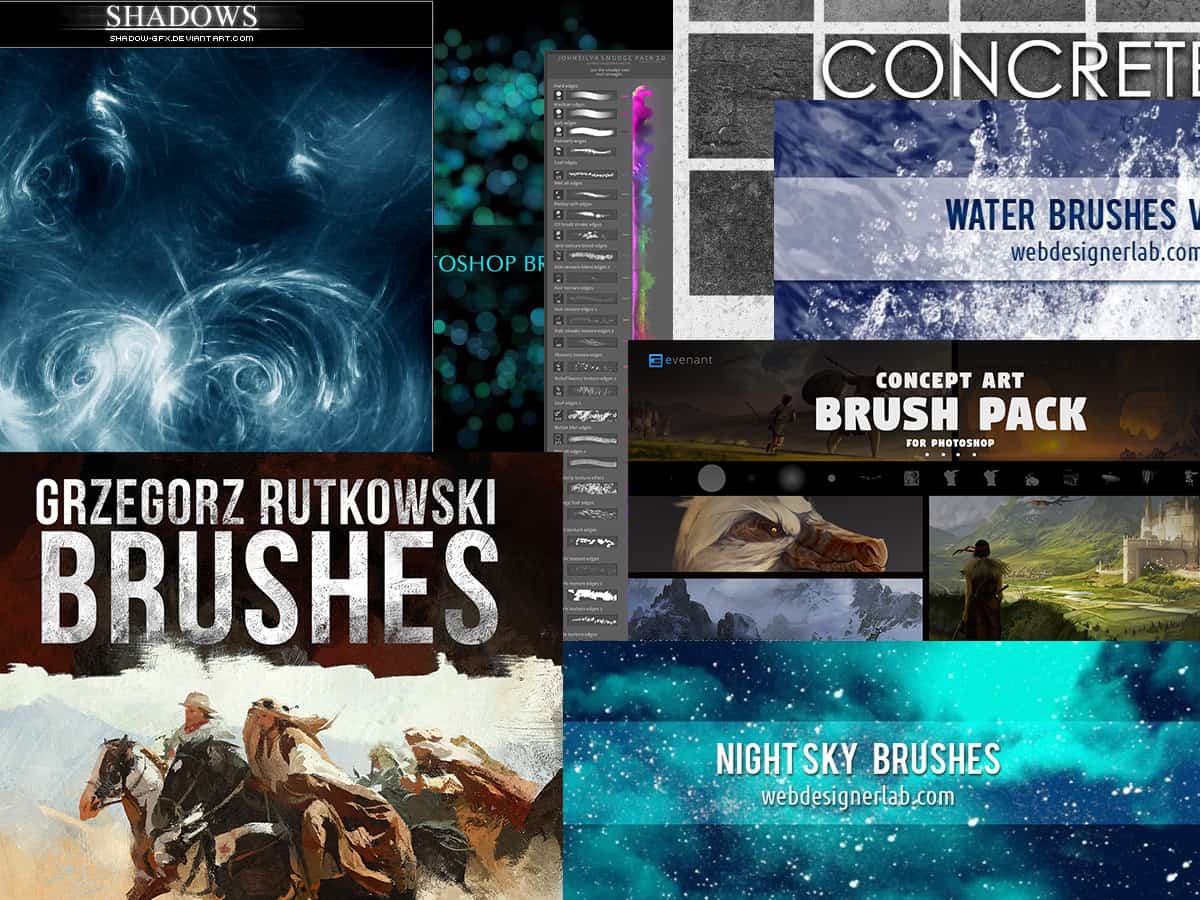
This series is simple – I’m sharing a bunch of awesome Photoshop brushes for photo manipulation. It’s the 6th volume in the series.

These brushes are of great quality and they would be fantastic for your next photo manipulation project.

Although they’re free to download, please check relevant licence before you use them.

Click on the image or the title to download the brushes via external sites

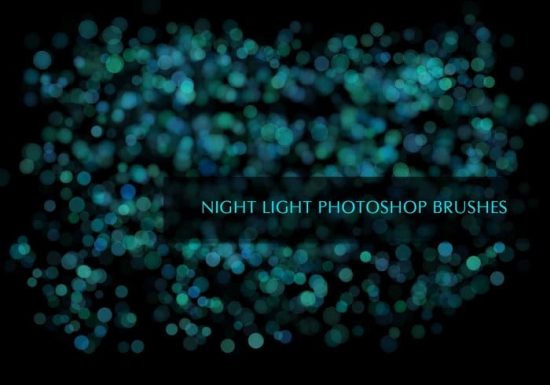
Night Light Photoshop Brushes

Fancy this sort of night street light?

Then get this brush pack – perfect for adding night street light effect:
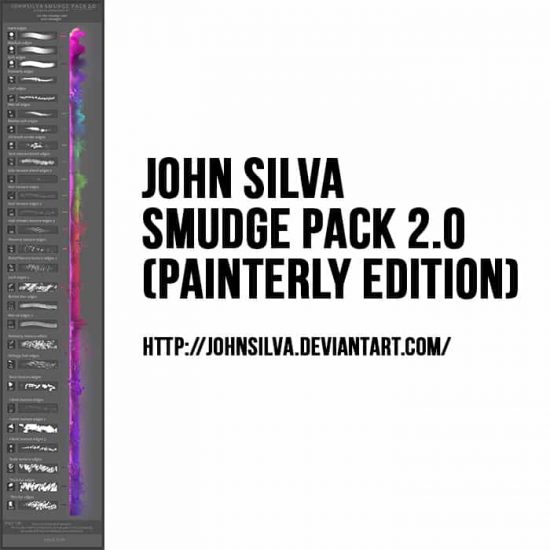
John Silva Smudge Pack 2.0 (Painterly Edition)

This smudge pack is great for adding textured painting effect to your object:
Concrete Photoshop Brushes

Like its name, these brushes add concrete texture to your object. Great for urban building painting:

Water Brushes

Fantastic set of water splash brushes:

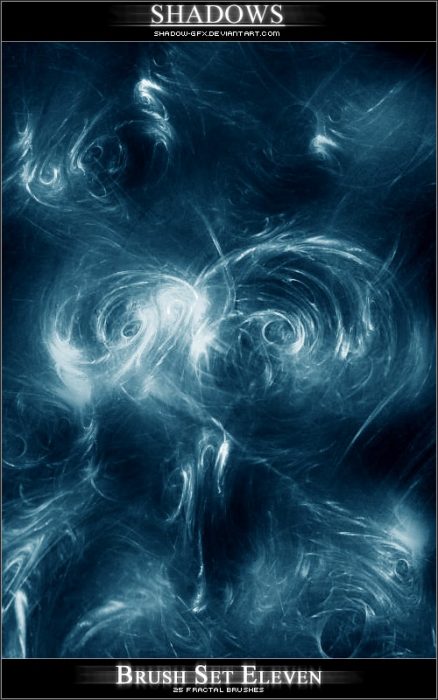
Shadows Brushes

Great set of fractal brushes, perfect for dark fantasy photo manipulation:
Concept Art Brush Pack

A massive collection of 106 concept art brushes. It might be a bit too much to handle at once, so be patient.

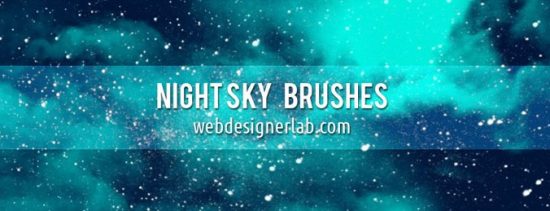
Night Sky Brushes

Need some star pattern added to your work? Try these night sky brushes:
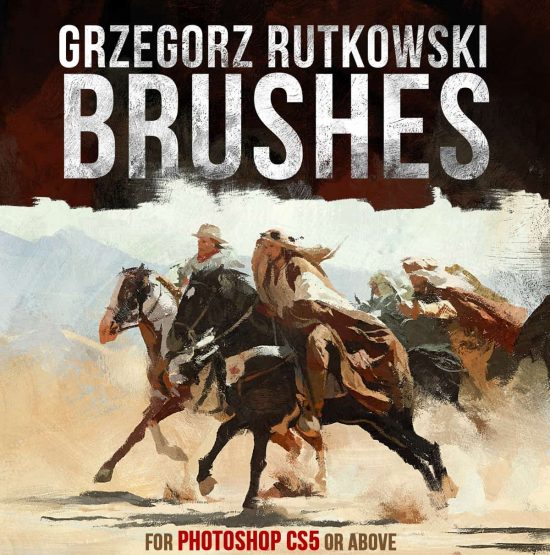
26 Paint Brushes by Rutkowski

If you’re keen on boosting your concept art brush collection, get this set:
brushes manipulation photo
Share. Facebook Twitter Pinterest LinkedIn Tumblr Email
James Qu
  • Website

James is a seasoned Photoshop expert with over 25 years of experience based in Australia. As the driving force behind PSD Vault, he authors the majority of its in-depth tutorials and insightful articles.

Related Posts

How to Create a Stunning Flying Jellyfish Photo Effect in Photoshop

June 19, 2026

Create Portrait Photo Manipulation with Rose and Rock Pattern in Photoshop

April 17, 2026

How to Remove Body Hair in Photoshop: 3 Methods Ranked by Speed

April 5, 2026

Comments are closed.

Don't Miss

Live Gradients in Photoshop – How to Master It

June 27, 2026

How to Create Vintage Photo Effects in Photoshop – A Step-by-Step Guide

June 26, 2026

Create Epic Wormhole Space Scene in Photoshop

June 25, 2026

For Beginners

Basics

Live Gradients in Photoshop – How to Master It

By James QuJune 27, 20263 Mins Read

Dodge and Burn in Photoshop: 3 Methods From Basic to Professional

June 20, 2026

How to Use “Find Distractions” Feature in Photoshop for Easy Photo Clean-up

June 12, 2026

How to Invert a Layer Mask in Photoshop (Complete Guide)

June 6, 2026

You May Also Like

Photo Effect

How to Create a Stunning Flying Jellyfish Photo Effect in Photoshop

By James QuJune 19, 20265 Mins Read
Photo Effect

Create Portrait Photo Manipulation with Rose and Rock Pattern in Photoshop

By James QuApril 17, 20264 Mins Read
Photo Effect

How to Remove Body Hair in Photoshop: 3 Methods Ranked by Speed

By James QuApril 5, 202617 Mins Read
Facebook X (Twitter) Instagram Pinterest
  • About Us
  • Get in Touch
  • Advertise
  • VIP Area
  • Free Image Tools
  • Privacy Policy
  • Terms & Conditions
© 2026 PSD Vault. All Right Reserved.

Type above and press Enter to search. Press Esc to cancel.

Manage Consent
To provide the best experiences, we use technologies like cookies to store and/or access device information. Consenting to these technologies will allow us to process data such as browsing behavior or unique IDs on this site. Not consenting or withdrawing consent, may adversely affect certain features and functions.
Functional Always active
The technical storage or access is strictly necessary for the legitimate purpose of enabling the use of a specific service explicitly requested by the subscriber or user, or for the sole purpose of carrying out the transmission of a communication over an electronic communications network.
Preferences
The technical storage or access is necessary for the legitimate purpose of storing preferences that are not requested by the subscriber or user.
Statistics
The technical storage or access that is used exclusively for statistical purposes. The technical storage or access that is used exclusively for anonymous statistical purposes. Without a subpoena, voluntary compliance on the part of your Internet Service Provider, or additional records from a third party, information stored or retrieved for this purpose alone cannot usually be used to identify you.
Marketing
The technical storage or access is required to create user profiles to send advertising, or to track the user on a website or across several websites for similar marketing purposes.
  • Manage options
  • Manage services
  • Manage {vendor_count} vendors
  • Read more about these purposes
View preferences
  • {title}
  • {title}
  • {title}