Close Menu
PSD VaultPSD Vault
  • VIP Area
  • Photoshop Basics
  • Photo Effect
  • Text Effect
  • Premium Tuts
  • Resources
  • Drawing
  • Inspiration
  • Web Graphics
  • Abstract
  • Freebies
  • Advertise
  • Get in Touch
  • About PSD Vault
Facebook Instagram Pinterest YouTube TikTok
Facebook Instagram Pinterest YouTube TikTok RSS
PSD VaultPSD Vault
  • VIP Area
    • Sign Up
    • Log In
  • Photoshop Basics
  • AI
  • Photoshop Error Fixes
  • Video Tutorial
  • Photo Effect
  • Text Effect
  • Premium Tuts
  • Drawing
  • Opinion
PSD VaultPSD Vault
Home»Resources»Awesome Photoshop Brushes for Photo Manipulation – Vol.11
Resources

Awesome Photoshop Brushes for Photo Manipulation – Vol.11

By James QuAugust 12, 20171 Min Read
Share
Facebook Twitter LinkedIn Pinterest Email

This series is simple – I’m sharing a bunch of awesome Photoshop brushes for photo manipulation! It’s the 11st volume in the series.

These brushes are of great quality and they would be fantastic for your next photo manipulation project.

Although they’re free to download, please check relevant licence before you use them.

Click on the image or the title to download the brushes via external sites

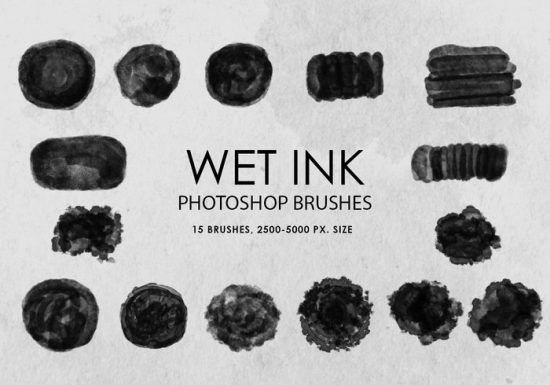
Wet Ink Photoshop Brushes

15 high resolution wet ink brushes, great for digital painting:
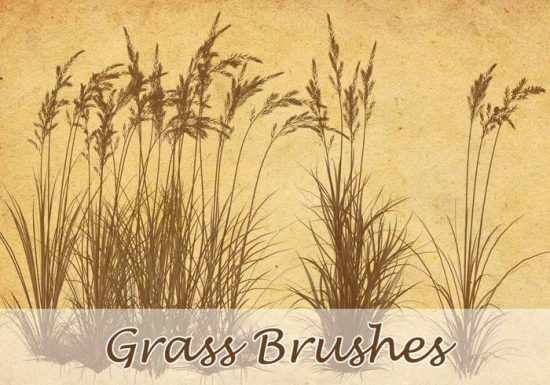
High Resolution Grass Brushes

I especially like the dandelions in this brush set:
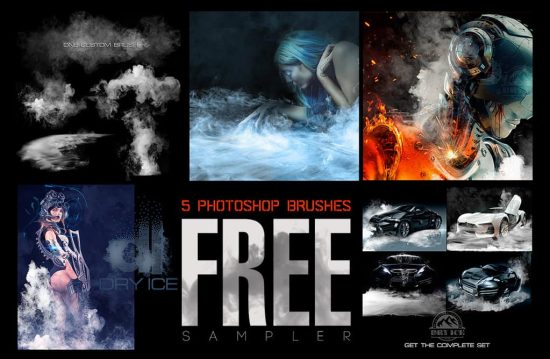
Dry Ice Brushes

Brilliant set of dry ice brushes for painting dramatic effect:
Cloud/Smoke Brushes

Great set of cloud/smoke brushes, perfect for adding smoke trail behind a plane or rocket:

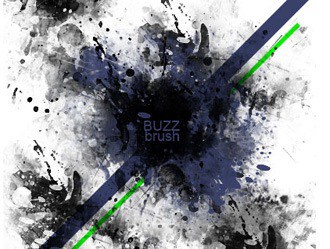
Grunge Splatter Brushes

Another set of awesome grunge splatter brushes:
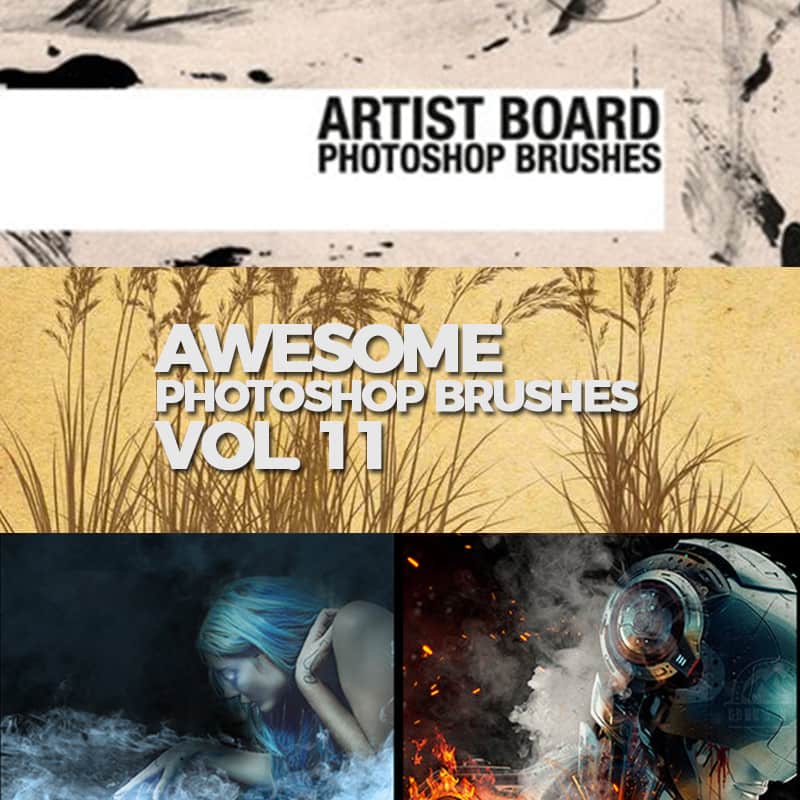
Artist Board Photoshop Brushes

Great set of digital painting Photoshop brushes:

Blood Marks

Realistic blood marks brushes – if you need blood effect for your photo manipulation, get this set:

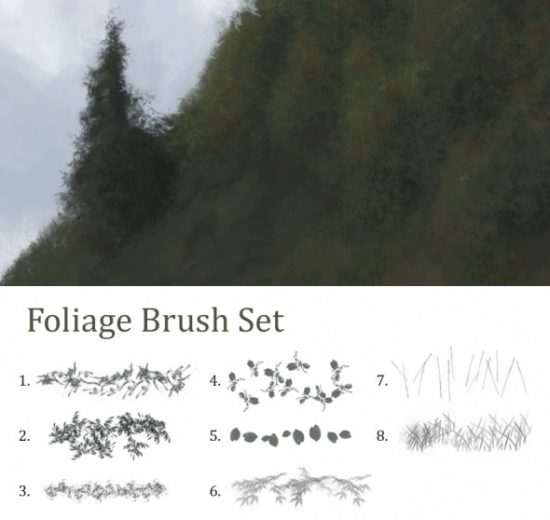
Foliage Brushes

Great for adding some natural foliage to your manipulation:
brushes photoshop
Share. Facebook Twitter Pinterest LinkedIn Tumblr Email
James Qu
  • Website

James is a seasoned Photoshop expert with over 25 years of experience based in Australia. As the driving force behind PSD Vault, he authors the majority of its in-depth tutorials and insightful articles.

Related Posts

Unlock the Power of Photoshop’s Generative Expand Tool

December 13, 2025

A Beginner’s Guide to Photoshop’s Adjustment Layers

December 6, 2025

Easily Change Lip Colour in Photoshop with Camera Raw Filter

December 5, 2025

1 Comment

  1. Eidilia Thomas on August 12, 2017 10:49 PM

    These are great, thank you for sharing them!

Don't Miss

How to Blend Cut-Out Objects Seamlessly with AI Harmonize in Photoshop

December 17, 2025

Unlock the Power of Photoshop’s Generative Expand Tool

December 13, 2025

How to Create a Duotone Effect in Photoshop with Gradient Maps

December 12, 2025

For Beginners

Basics

How to Blend Cut-Out Objects Seamlessly with AI Harmonize in Photoshop

By James QuDecember 17, 20253 Mins Read

A Beginner’s Guide to Photoshop’s Adjustment Layers

December 6, 2025

How to Make Perfect Hair Selection with AI Masking in Photoshop

November 28, 2025

10 Genius Tips to Master Photoshop’s AI Object Selection Tool

November 27, 2025

You May Also Like

AI

Unlock the Power of Photoshop’s Generative Expand Tool

By Lana WilsonDecember 13, 20254 Mins Read
Basics

A Beginner’s Guide to Photoshop’s Adjustment Layers

By Lana WilsonDecember 6, 20254 Mins Read
Photo Effect

Easily Change Lip Colour in Photoshop with Camera Raw Filter

By Monika NowakowskaDecember 5, 20252 Mins Read
Facebook X (Twitter) Instagram Pinterest
  • About Us
  • Get in Touch
  • Advertise
  • VIP Area
  • Privacy Policy
  • Terms & Conditions
© 2025 PSD Vault. All Right Reserved.

Type above and press Enter to search. Press Esc to cancel.

Manage Consent
To provide the best experiences, we use technologies like cookies to store and/or access device information. Consenting to these technologies will allow us to process data such as browsing behavior or unique IDs on this site. Not consenting or withdrawing consent, may adversely affect certain features and functions.
Functional Always active
The technical storage or access is strictly necessary for the legitimate purpose of enabling the use of a specific service explicitly requested by the subscriber or user, or for the sole purpose of carrying out the transmission of a communication over an electronic communications network.
Preferences
The technical storage or access is necessary for the legitimate purpose of storing preferences that are not requested by the subscriber or user.
Statistics
The technical storage or access that is used exclusively for statistical purposes. The technical storage or access that is used exclusively for anonymous statistical purposes. Without a subpoena, voluntary compliance on the part of your Internet Service Provider, or additional records from a third party, information stored or retrieved for this purpose alone cannot usually be used to identify you.
Marketing
The technical storage or access is required to create user profiles to send advertising, or to track the user on a website or across several websites for similar marketing purposes.
  • Manage options
  • Manage services
  • Manage {vendor_count} vendors
  • Read more about these purposes
View preferences
  • {title}
  • {title}
  • {title}